
Email and productivity
SaneBox
Email sorting: newsletters and low-priority messages are set aside, important ones come first
Choose SaneBox if you are drowning in newsletters; skip it if Gmail or Outlook filters are enough.
This link goes to the official site, sanebox.com. We do not earn anything from this click.
About this service
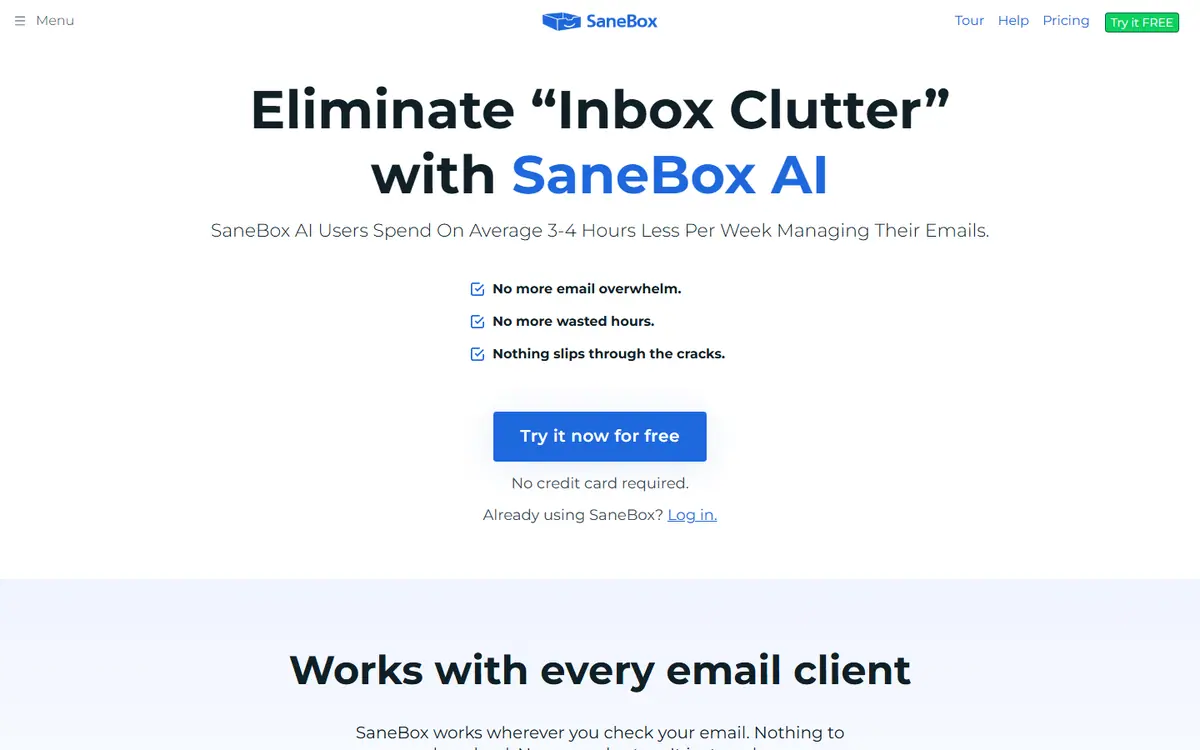
A service that sorts your inbox: important emails stay in the inbox, while newsletters and low-priority messages move to separate folders. Works on top of your existing mailboxes.
What you can do with it
- remove newsletters from the main inbox
- snooze emails until the right time
- reminder if an important email gets no reply
Who it suits
- business owners
- managers
- freelancers
Strengths
- no need to change your email client
- 25% discount for education, nonprofits, and government organizations
Limitations
- no free plan
- plans differ by number of mailboxes (1, 2, 4) and set of features
Alternatives to SaneBox
-
-
Google Workspace with Gemini
Email and productivityGmail, Docs, Sheets, and Meet suite with built-in Gemini for drafts, summaries, and analysis
- from €6.8/mo
Recommended Try


AdsConcept
Need help with implementation?
Picking a tool is half the job. If you want AI to bring in leads rather than add another subscription, tell us about your task.