
Records actions in the browser and builds step-by-step instructions with screenshots automatically
Choose it to quickly make instructions for staff or clients; skip it if your documents do not need screenshots.
This link goes to the official site, tango.ai. We do not earn anything from this click.
About this service
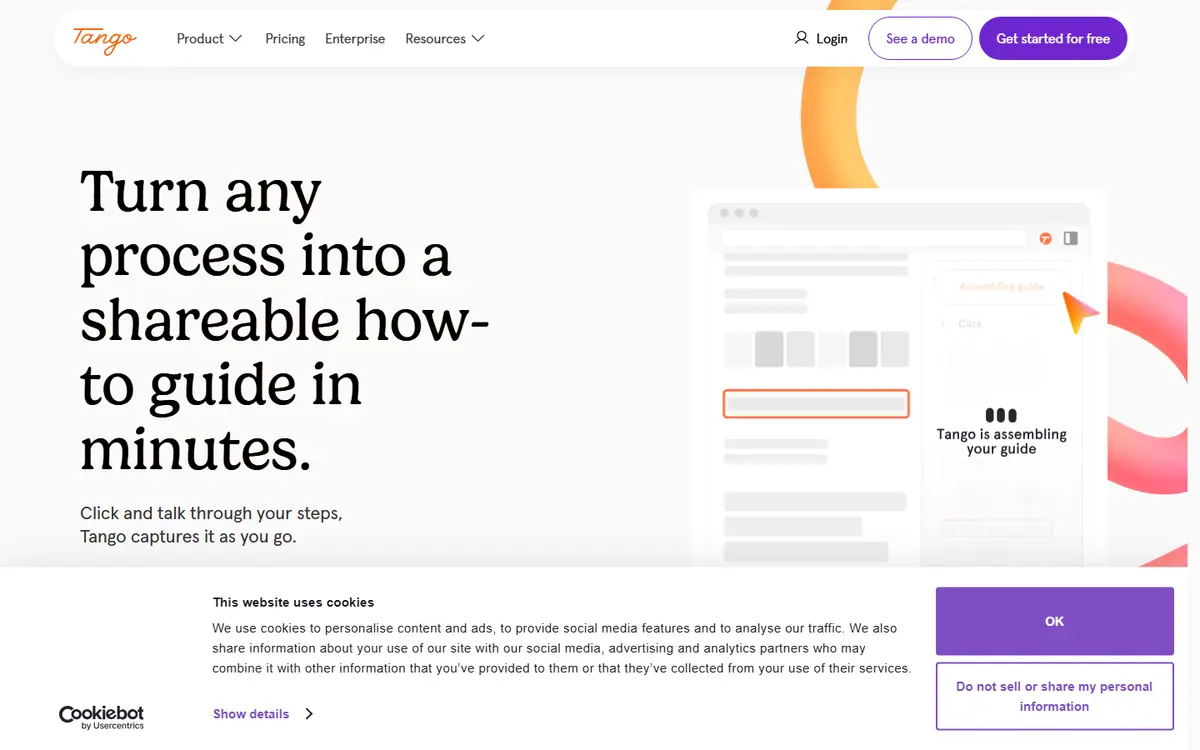
A browser extension captures your clicks and turns them into a step-by-step guide with screenshots, which you can send by link or embed in a knowledge base. The free plan is limited to five shared guides; AI text and voice transcription come with Pro.
What you can do with it
- instruction for a new employee on how to process an order in the CRM
- step-by-step help for clients setting up a service
- training materials with personal data hidden in screenshots
Who it suits
- staff training
- support
- small teams
Strengths
- a guide is created in minutes with simple actions in the browser
- free plan without a card
- SOC 2 Type II, data is not used for training
Limitations
- only 5 shared guides on the free plan
- interface languages and Ukrainian not confirmed on the site
Integrations
- Chrome
- Edge
Alternatives to Tango



AdsConcept
Need help with implementation?
Picking a tool is half the job. If you want AI to bring in leads rather than add another subscription, tell us about your task.