
E-commerce
Photoroom
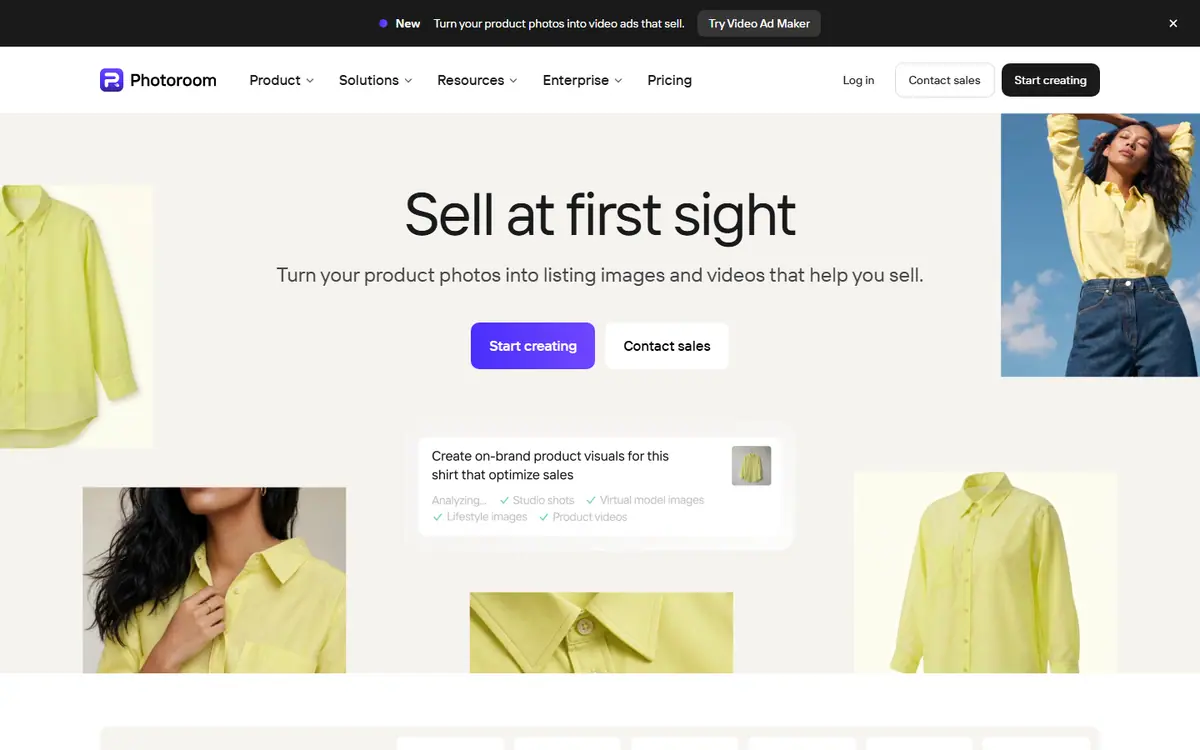
AI product photo editor: background, shadow, studio shots
Choose it for clean product photos from a phone; skip it if you need complex retouching.
This link goes to the official site, photoroom.com. We do not earn anything from this click.
About this service
AI product photo editor: background removal, studio shots, seasonal backgrounds, export, and bulk processing. The Pro, Max, and Ultra plans differ in AI credits and exports; separate API plans are available.
What you can do with it
- product photo on a clean background from a phone
- background for a seasonal promotion
- bulk processing of a marketplace catalog
Who it suits
- online stores with a catalog of 50+ products
- marketplace sellers
Strengths
- fast studio photos without a photographer
- Pro: 8,000 AI credits and 1,000 exports per month
- Max adds video for ads and product cards
Limitations
- Pro/Max/Ultra prices are not shown on the page, cost depends on the country
- no free plan stated
- AI credits and exports are confusing for beginners
Integrations
- Shopify
- Canva
Alternatives to Photoroom






AdsConcept
Need help with implementation?
Picking a tool is half the job. If you want AI to bring in leads rather than add another subscription, tell us about your task.