
Images and design
Microsoft Designer
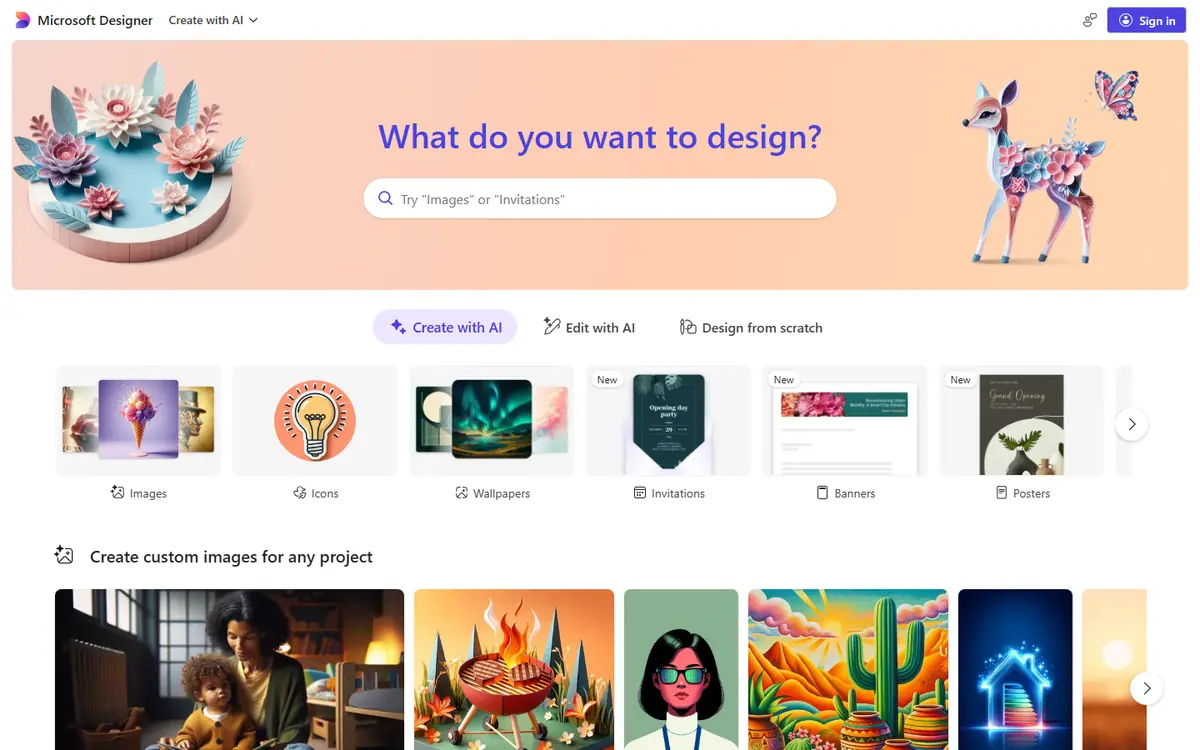
Microsoft's design tool for posts, banners and images with AI generation
Choose Microsoft Designer if you work in Microsoft 365 and need simple visuals; skip it if you need complex layouts with a brand book.
This link goes to the official site, designer.microsoft.com. We do not earn anything from this click.
About this service
Creates designs and images from a description, offers social media templates and works with Word and PowerPoint. Free at the basic level; a subscription is needed for more frequent use, and Designer in Word and PowerPoint for web requires Copilot Pro.
What you can do with it
- a social media post or banner from a description
- an image for a PowerPoint presentation
- quick background and illustration options
Who it suits
- small business
- Microsoft 365 users
Strengths
- free basic use
- Microsoft 365 integration
- social media templates
Limitations
- numeric limits and subscription prices are not stated in the FAQ
- text in generated images may be in another language or contain errors
- some features are restricted by age and region
Integrations
- Word
- PowerPoint
- Microsoft 365
- Copilot Pro
Alternatives to Microsoft Designer
-
-
ChatGPT Images
Images and designImage generation and editing right in the ChatGPT chat
- Free plan
- from $20/mo
Good choice Try


AdsConcept
Need help with implementation?
Picking a tool is half the job. If you want AI to bring in leads rather than add another subscription, tell us about your task.