
Video
Wondershare Filmora
Video editor for beginners with AI features
Choose it if you need simple desktop editing with AI; skip it if free CapCut is enough.
This link goes to the official site, filmora.wondershare.com. We do not earn anything from this click.
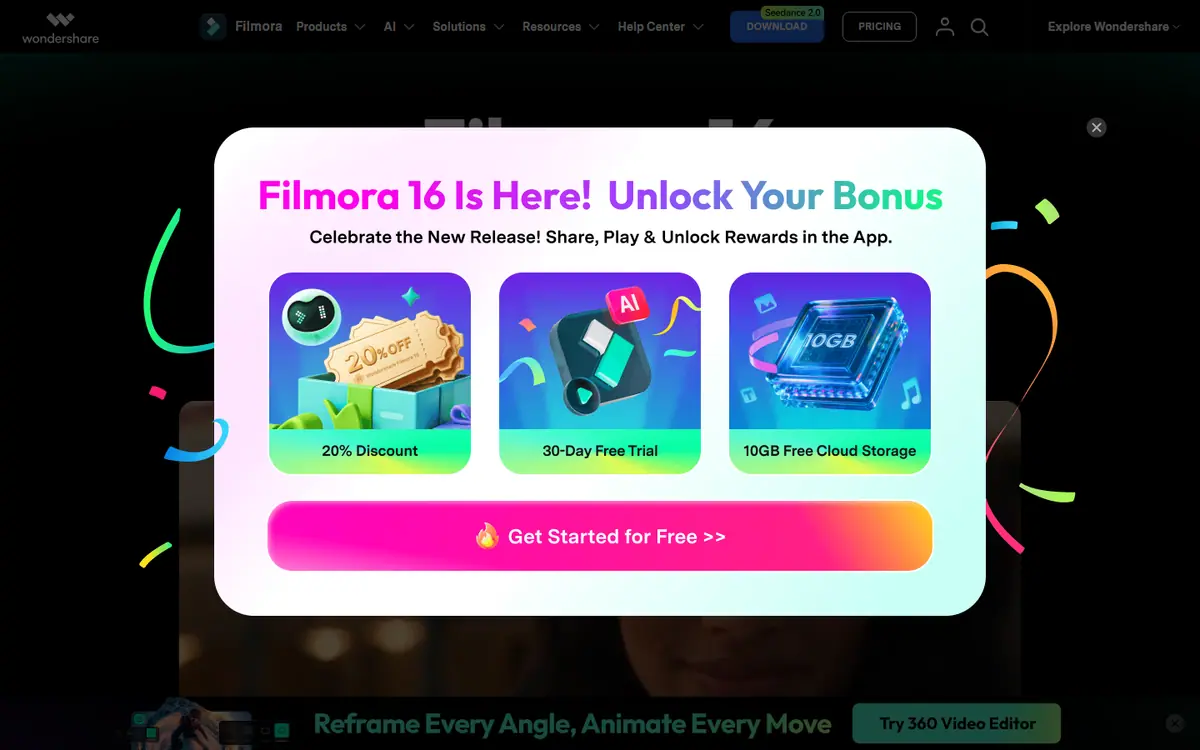
About this service
Video editor for Windows and Mac with AI tools and credits. There is a free version with a watermark; Advanced is an annual subscription with 1,000 AI credits per month; Perpetual is a one-time license.
What you can do with it
- edit ad clips
- subtitles and AI effects
- video for YouTube and Reels
Who it suits
- small business
- experts
Strengths
- simpler than DaVinci and Premiere
- one-time license available
Limitations
- unused AI credits expire at the end of the period
- the full asset library costs an extra subscription
Alternatives to Wondershare Filmora
-
-
DaVinci Resolve
VideoProfessional video editor with a free version and AI features in Studio
- Free plan
- from $236 one-time
Good choice Try -



AdsConcept
Need help with implementation?
Picking a tool is half the job. If you want AI to bring in leads rather than add another subscription, tell us about your task.