
Video
Clipchamp
Simple Microsoft video editor with AI subtitles and voiceover
Choose Clipchamp if you need simple free editing with subtitles; for 4K and complex editing, use Microsoft 365 or CapCut.
This link goes to the official site, clipchamp.com. We do not earn anything from this click.
About this service
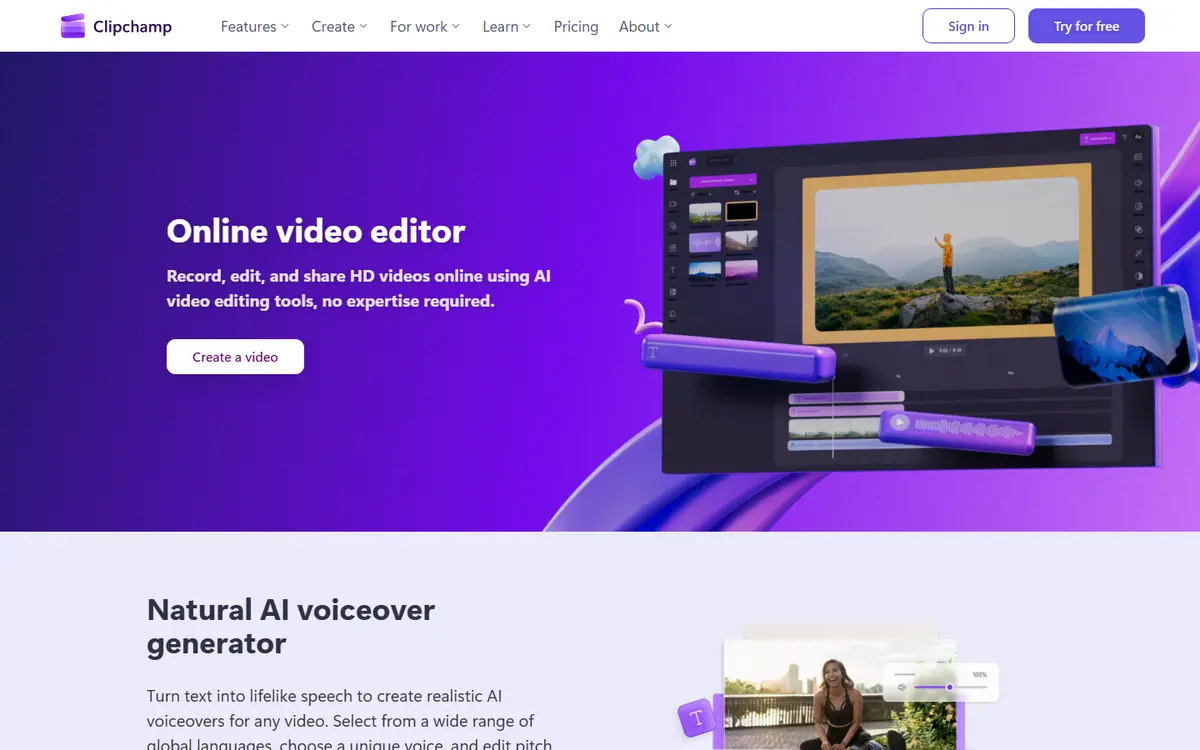
Microsoft's browser video editor for simple videos: trimming, subtitles, text-to-speech voiceover, templates. The free version exports up to 1080p without watermarks; paid features come with Microsoft 365 Personal and Family.
What you can do with it
- auto-subtitles for a video interview
- a training video with text-to-speech voiceover
- a vertical Reels video from a template
Who it suits
- small business without a video editor
- social media
- training videos
Strengths
- free 1080p export without watermarks
- AI subtitles and voiceover in the free version
- simple interface for a beginner
Limitations
- 4K, premium stock and brand kit only with Microsoft 365 Personal/Family
- there is no separate Clipchamp price; paid features come only with Microsoft 365 (Personal from $9.99/month)
- Ukrainian support for subtitles and voiceover not verified
Integrations
- Microsoft 365
- OneDrive
- YouTube
Alternatives to Clipchamp



AdsConcept
Need help with implementation?
Picking a tool is half the job. If you want AI to bring in leads rather than add another subscription, tell us about your task.